
Every booking, straight from your site.
Guests pick a party size, date and time on your website or Instagram. Your team sees every cover on a live timeline and floor map, and moves a booking to another table with a drag.
- Deposits by party size
- 4 languages, including Arabic
- Embeds on any website
Trusted by 100+
of clients.


From a tap on your site to a confirmed table.
The booking page asks only what your restaurant needs, and skips the steps you haven't set up.
- 1Pick a party size, date and timeOnly open days are shown. Slots are grouped by shift with seats left, and full slots can't be picked.
- 2Choose an event, seating or occasionEach step appears only when you've set it up, like a live music night, the terrace or a birthday.
- 3Add details and special requestsName, phone and email, plus notes such as a high chair or step-free access.
- 4Get confirmed, or pay a depositGuests get a booking reference and a confirmation email. Larger parties pay their deposit by card first.
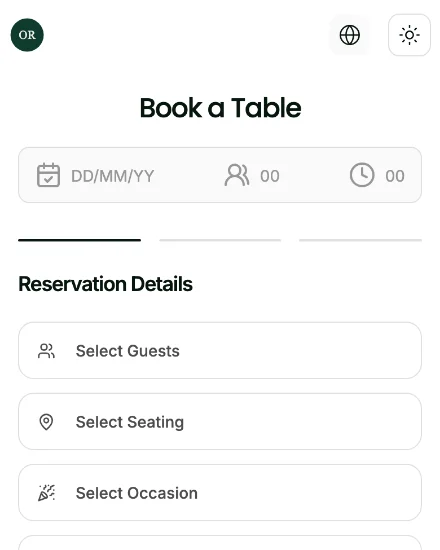
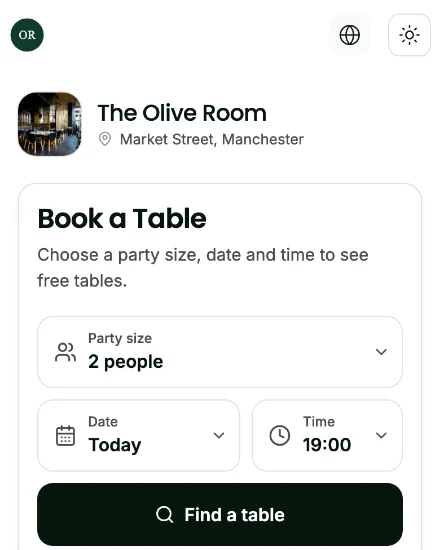
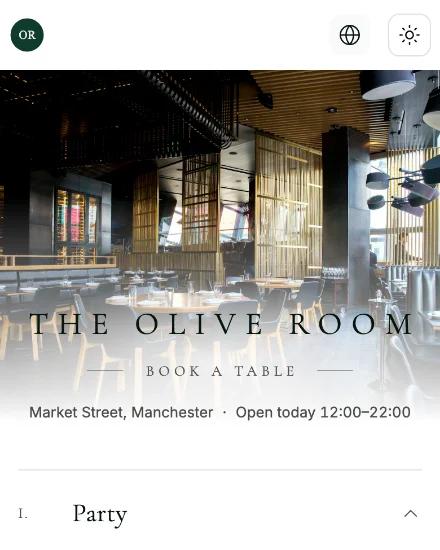
Book a table at Maison Olive.
This is the flow your guests see. Switch layouts to restyle it. It's a demo, so nothing is booked or sent.
Booking page layout
Step by step in one centred column. The default.
Party size
Date
Time
Lunch
Dinner
Pick a time to continue
Every cover, on one live screen.
Bookings land on a timeline and a floor map the moment they're made. Move them with a drag, seat walk-ins, and see the night's numbers at a glance.
- 1Drag to another tableMove a booking between tables, or drag its edge to change how long it lasts.
- 2Floor map in real timeSeated timers, party sizes and a "next guest in N min" badge on every table.
- 3Tonight in numbersBookings, confirmed, pending, total covers and no-shows, with a colour for every status.
- 4One drawer per bookingConfirm with a table, reject, edit, check the deposit, or message the guest by SMS, WhatsApp or email.
Built for a busy service.
The tools front-of-house uses every night, in the same dashboard as your bookings.
- Shifts and capacityWeekly or one-off shifts, capacity per slot as a number or a percentage, and blocked slots with a reason.
- Deposits by party sizeSet deposit tiers by party size. Guests pay by card when they book, straight into your Stripe account.
- Floor plannerDraw each floor to scale with round, square or long tables, covers and rotation.
- Tables pushed togetherCombine tables for bigger parties, and let auto-assign find the right fit with a seat buffer.
- Events and set menusRecurring or one-off events with a photo and description, plus menus guests choose when they book.
- Guest profiles and tagsEvery guest's booking history, with tags like VIP, Allergy, Birthday and Anniversary.
- Walk-ins and phone bookingsAdd walk-ins and phone bookings in seconds, on the same timeline as online ones.
- Message any guestOpen SMS, WhatsApp or email to a guest in one tap, with ready-made templates.
- Weekly analyticsWeek-on-week covers for lunch and dinner, lead times, no-shows, and online versus walk-in.
Looks like your restaurant, on every screen.
Pick a booking layout and match your colours and fonts. Then paste one embed code into your website, or put the booking link in your Instagram bio.
- Five layouts: Classic, Modern, Conversational, Express and Editorial
- Light, dark or match the guest's device
- Your colours and Google Fonts, with a live phone preview
- English, Spanish, French and Arabic, including right-to-left
- Embed code for any website, plus a link for your Instagram bio
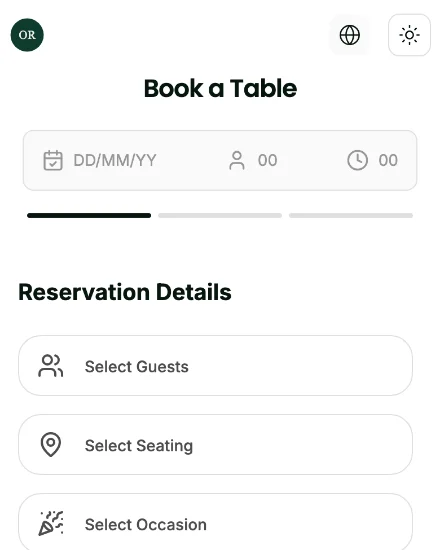
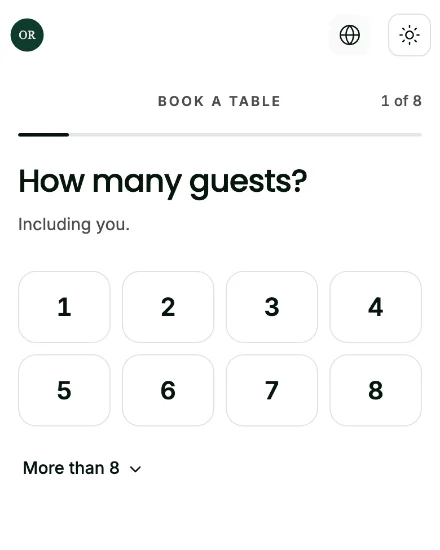
One guest, one journey, four products.
Guests book a table, scan the table QR to see dishes in 3D, order and pay, then send a friend a gift card. Every step runs on olivv, so each one leads to the next.
- 1 / 4Book a tableFrom your website or Instagram, in a few taps.You're here
- 2 / 4See it in 3DScan the table QR and spin each dish before ordering.AR Menu
- 3 / 4Order and payAdd dishes straight from the 3D view, or order for delivery and collection.Online Ordering
- 4 / 4Gift a friendA gift card they can spend online or in the restaurant.Gift Cards
Questions, answered.
Can guests book from Instagram?
Yes. Every restaurant gets a booking link to put in its Instagram bio and send in DMs.
Can I take deposits?
Yes. Set deposit amounts by party size. Guests pay by card when they book, and the money goes straight into your Stripe account.
Can I control how many people book?
Yes. Set capacity per time slot and a maximum party size, block individual slots, and add special shifts for dates like Christmas Eve.
Can I approve each booking myself?
Yes. Bookings can wait for your confirmation before they're final, and guests see that their request is with the restaurant.
Can guests cancel a booking?
Yes. Guests look up their booking with its reference and cancel it, giving a reason, so the table frees up for someone else.
Does it work with my existing website?
Yes. Copy the embed code for Next.js, React or plain HTML into any page. If your site runs on olivv, the booking page is already built in.
Which languages does the booking page support?
English, Spanish, French and Arabic, with right-to-left layout for Arabic.
Start taking bookings on your own site.
Set up your floor plan, opening hours and booking page, then share the link with your guests.